
Law firms · Legal departments · Legal services
Every page billed. Every page kept confidential.
How many copies did your firm write off last month? Most firms can't say. We'll show you.
Copies, scans and filings all run through the copier, and every page that never reaches an invoice is lost revenue. NYBS puts Konica Minolta machines in law offices with PaperCut client and matter billback, secure release and encrypted storage, sized to what your firm really prints.
 Pro-Tech Service Award11 consecutive years from Konica Minolta
What we tell law firms first
The truth about law office copiers
Most firms pick a copier by speed and monthly payment. The questions that cost a firm money are different ones.
Copies for a matter, discovery sets and exhibit binders all cost the firm money. If the copier never asks for a client code, those pages never reach an invoice, and the sign-out sheet by the machine only catches some of them.
Ask your dealerCan every copy, print and scan carry a client and matter code?A copier keeps scanned and printed pages on an internal drive. A privileged document left in the output tray, or a drive that leaves with an old machine, is a disclosure your firm has to explain.
Ask your dealerWhat happens to the data on the drive when the lease ends?A copier that jams halfway through an exhibit set, or a scanner that chokes on a 300-page production, costs more than the machine. Uptime before a deadline matters more than any line on a quote.
Ask your dealerWho shows up when it breaks, and how fast?In a law office, the copier isn't just office equipment. It's part of how the firm bills and protects its clients.
Review my firm's printingPaperCut client billback
Recover what the copier costs you
We lead every law office with PaperCut. It puts a client and matter code on every page, so copier costs land on the invoice instead of the firm's overhead.
Staff choose a client and matter on the computer or on the copier screen before a job runs, so copies, prints and scans are all charged to the right file.
A page charged to the wrong matter can be moved before invoicing, so clients only see costs that belong to them.
PaperCut exports charges by client and matter so they can go into your time and billing system, instead of being typed in from a sign-out sheet.
Jobs wait until the person who sent them signs in at the copier with a badge or PIN. Nothing privileged sits in the tray for anyone to pick up.
Client confidentiality
Your duty of confidentiality reaches the copier
Rule 1.6(c) of New York's Rules of Professional Conduct asks lawyers to make reasonable efforts to prevent unauthorized disclosure of client information. Pleadings, contracts, medical records and settlement papers all pass through the copier, and the copier keeps data on its drive.
- Storage encryption, automatic deletion and data overwrite, built into bizhub machines and set up to Konica Minolta's guidance when you ask
- Badge or PIN release, so confidential pages only print for the person who sent them
- A record of who copied, printed and scanned, and for which matter, through PaperCut
- Stored data erased before an old machine ever leaves your office
Sized to your firm
Konica Minolta, from the small practice to the records room
Which machine depends on how many people share it, how much you scan and how big your filings run. We read your meters before recommending any of them.
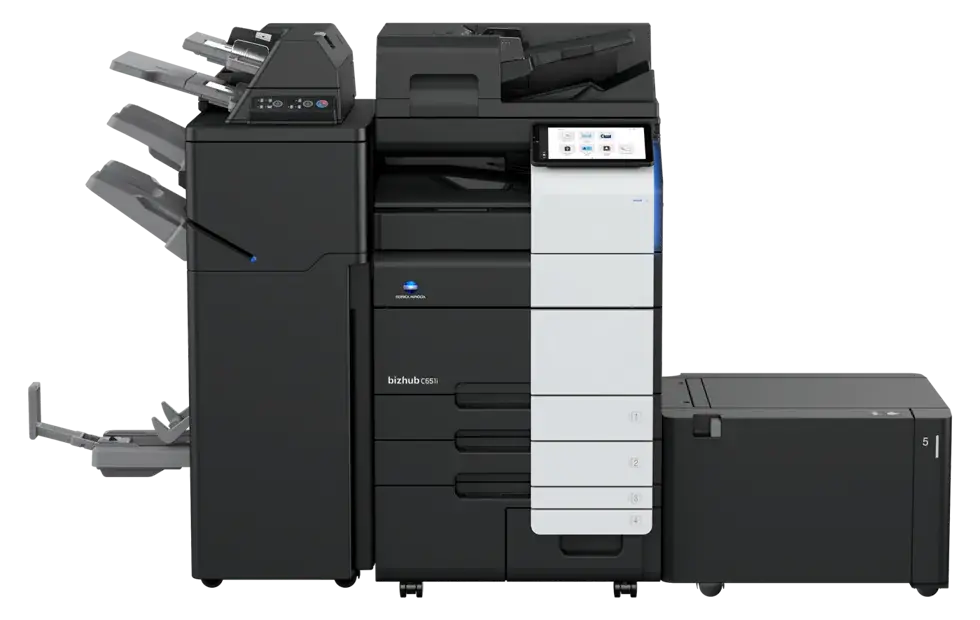
For a solo or small firm that copies, scans and prints from one machine and needs color for exhibits and client documents.
- Scans up to 280 images a minute double-sided
- 300-sheet document feeder with double-feed detection
- Stapling up to 100 sheets and 20-sheet booklets
For a firm where attorneys and staff share one busy machine, and color exhibits and presentations go out every week.
- Up to 6,650 sheets of paper loaded
- The same 280-image-a-minute scanner
- Paper up to 12×18, plus banner sheets
For a larger firm or legal department running discovery sets, exhibit binders and big filings from a central copy room.
- 3,650 sheets standard, 6,650 maximum
- Stapling up to 100 sheets, 20-sheet booklets, Z-fold
- Scans 280 images a minute double-sided
Prefer Canon or Kyocera? We sell and service both, with the same PaperCut billback on top. Compare the three manufacturers →
Scanning
Paper in, searchable file out
Most law offices scan more than they print. The scanner matters as much as the printer.
A 300-sheet feeder scans both sides at once, up to 280 images a minute, and stops if two pages feed together.
Scans come out as searchable PDFs, so a 400-page production can be searched like any other document.
Send scans to a matter folder, email or your document management system, with the client and matter code attached.
Optional workflow software adds Bates numbering and routes scans automatically, for firms that scan all day.
Who we work with
Built for how New York law offices run
Law firms across Manhattan, Long Island and the outer boroughs already run on NYBS machines. Different sizes, the same problem: more pages, tighter deadlines, client confidentiality on every one.
Firms in Manhattan towers
Getting a copier into a Midtown or Downtown building is its own project. We arrange the certificate of insurance and freight elevator, plan the delivery window with building management, and have the machine on your network the day it arrives.
Legal departments and legal services
In-house teams and legal services organizations answer to clients, boards and funders. One partner covers every office, with one service desk and the same PaperCut setup at every site, and reports that show where the printing goes.
Need help with IT and security beyond the copier? Managed IT, cybersecurity and business phones come from our partner Executel; your NYBS rep makes the introduction. How the Executel partnership works →
Start here
A free print review for your firm
You keep the written plan whether or not you work with us. If your current machine is the right one, we'll say so.
Book a print review- Walk the office
A rep sees every copier and printer, the copy room and where attorneys and staff actually print and scan.
- Read the meters
We pull real volumes, so the plan is built on what your firm prints and scans, not a guess.
- Check every lease
Every lease and service contract listed with its end date, so nothing renews by surprise.
- Written plan
What to keep, replace or remove, with billback and security setup included, in a page your managing partner can read. No charge.
Questions
Law office copier questions we hear most
Can we bill copies, prints and scans back to clients and matters?
Yes, with PaperCut. Staff choose a client or matter code at the computer or at the copier, can fix a wrong charge before invoicing, and the charges export by client and matter for your billing.
Will it work with our time and billing system?
PaperCut exports charges by client and matter in formats legal billing systems can import. Tell us which system your firm uses and we will confirm how the charges get there before you sign anything.
How do you protect client information on the copier?
bizhub machines include storage encryption, automatic deletion and data overwrite, which we set up to Konica Minolta's guidance when your firm asks. Badge or PIN release keeps confidential pages in the queue until the right person signs in, and PaperCut keeps a record of who copied, printed and scanned.
What happens to the copier's stored data when the lease ends?
We erase the machine's stored data before it leaves your office, so client documents never go out the door with the old copier.
Which copier is right for a law office?
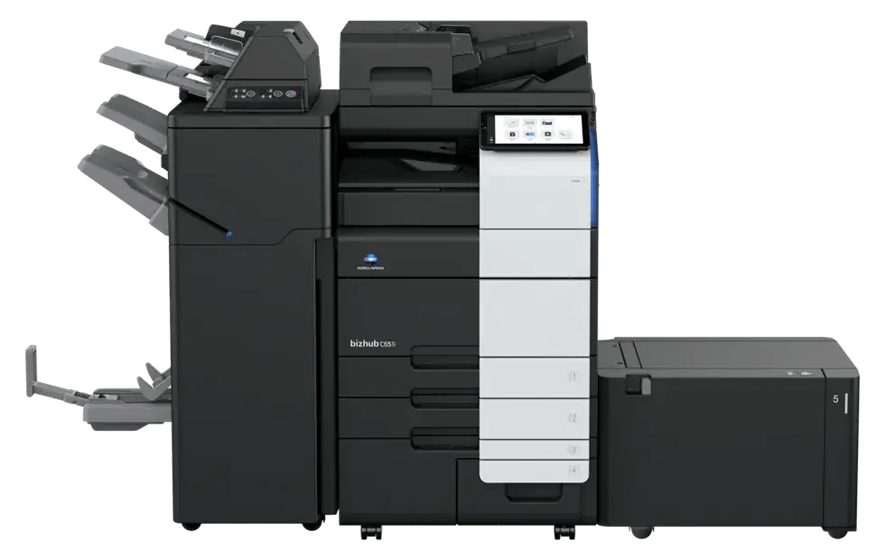
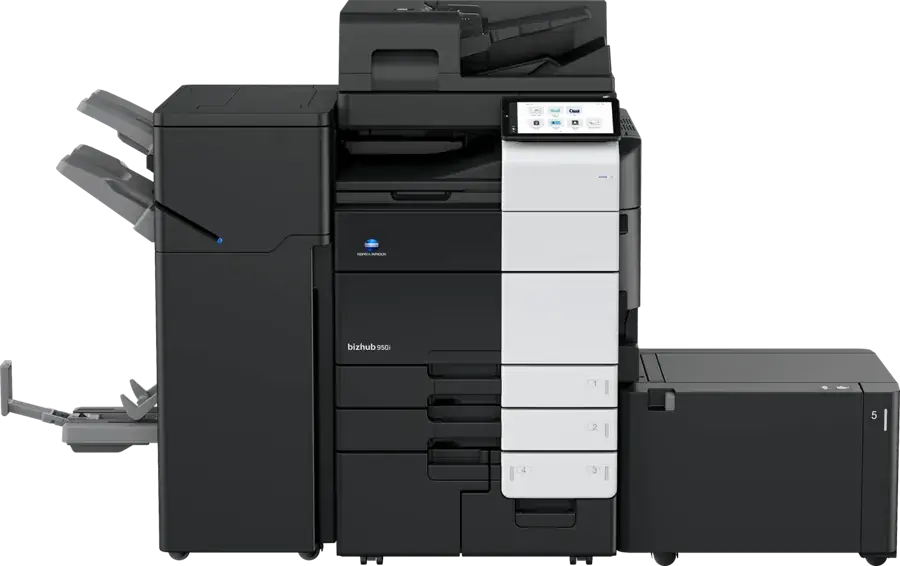
It depends on how many people share it and how much you scan. A small practice is usually well served by a bizhub C451i at 45 pages a minute. A growing firm sharing one busy machine fits the bizhub C651i at 65 pages a minute. A records room running discovery sets and exhibit binders calls for the bizhub 950i at 95 pages a minute. We read your meters before recommending any of them.
Can you handle delivery in a Manhattan office building?
Yes. We arrange the certificate of insurance and freight elevator with building management and schedule a delivery window that works for the building and your office.
Do you service the machines we already have?
Yes. NYBS services Konica Minolta, Canon and Kyocera machines we didn't sell, and we can replace them as their leases end.
Book a free print review for your firm
Tell us how many offices and copiers you have, and a rep will set up the walkthrough. Or call (516) 739-0200