
Managed print services
Your whole print fleet, managed end to end
Your copiers (multifunction printers, or MFPs) and the printers around them, run as one fleet by one team. We size it, install it, watch it, supply it, fix it and plan what comes next.
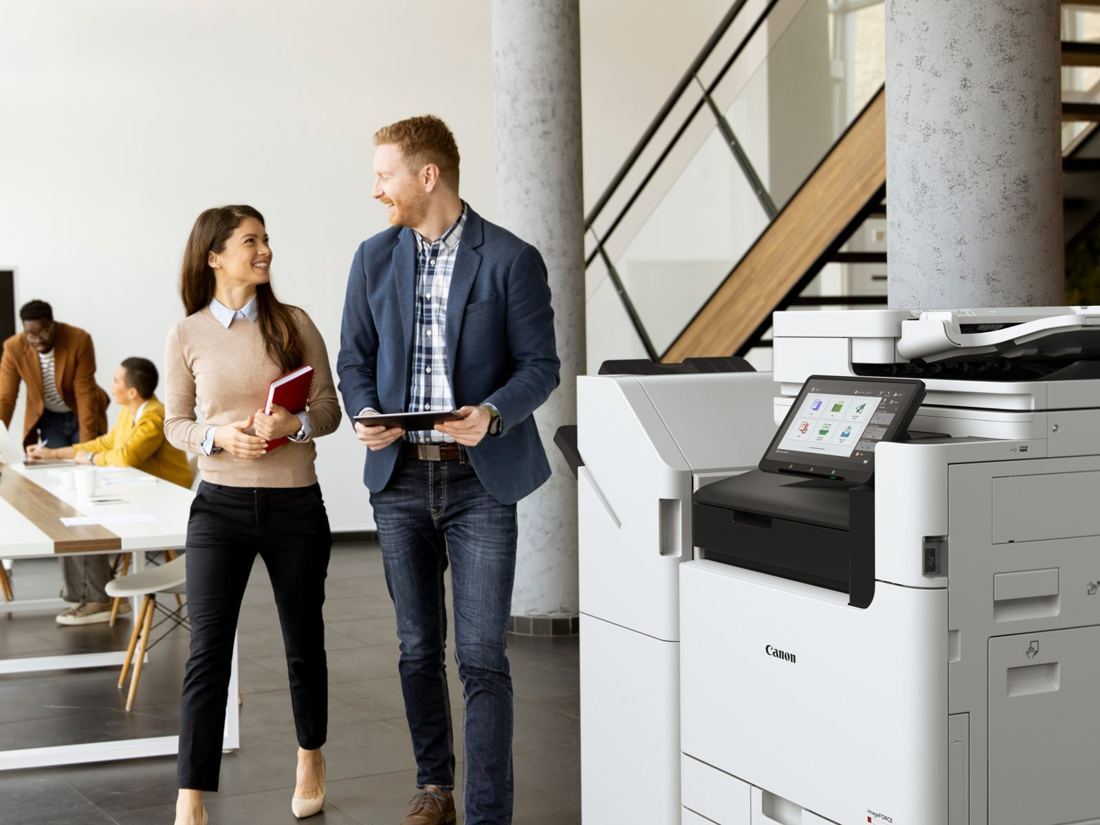
 Pro-Tech Service Award11 consecutive years from Konica Minolta
How it works
One team for the whole life of every machine
Most offices juggle a leasing company, a toner supplier and a repair service. With NYBS, every stage runs through the same people.
- 1Review
We right-size the fleet before you buy, often with fewer, better-placed machines.
- 2Install
Delivered, networked and set up to scan, with the old machines taken away.
- 3Monitor
Connected machines report meters, toner and service alerts to us.
- 4Supply
Toner ships from our supplies team, or order in a few clicks.
- 5Service
NYBS technicians, factory-trained, dispatched by one service desk.
- 6Secure
Badge release and print accounting with PaperCut or SAFEQ.
- 7Renew
Costs in plain language and renewal dates flagged early.
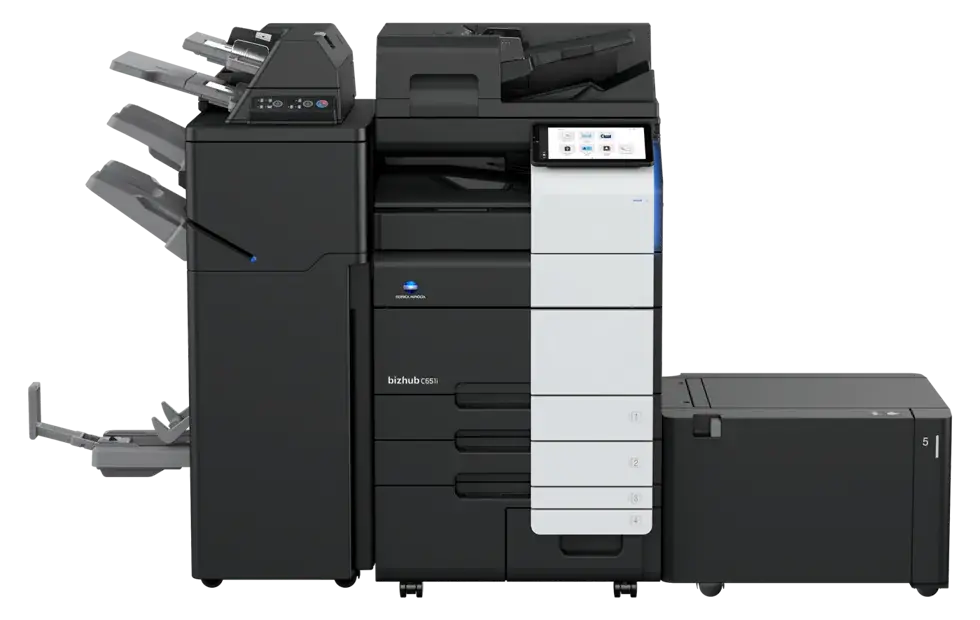
Monitoring and supplies
A fleet that reports in on its own
Connected machines send their numbers to our team, so problems can show up before anyone calls.
- Meter reads arrive on their own, so billing matches what you printed
- Toner levels watched, with automatic shipments rolling out for connected Konica Minolta and Kyocera machines
- Service alerts reach us first, so technicians arrive knowing the fault
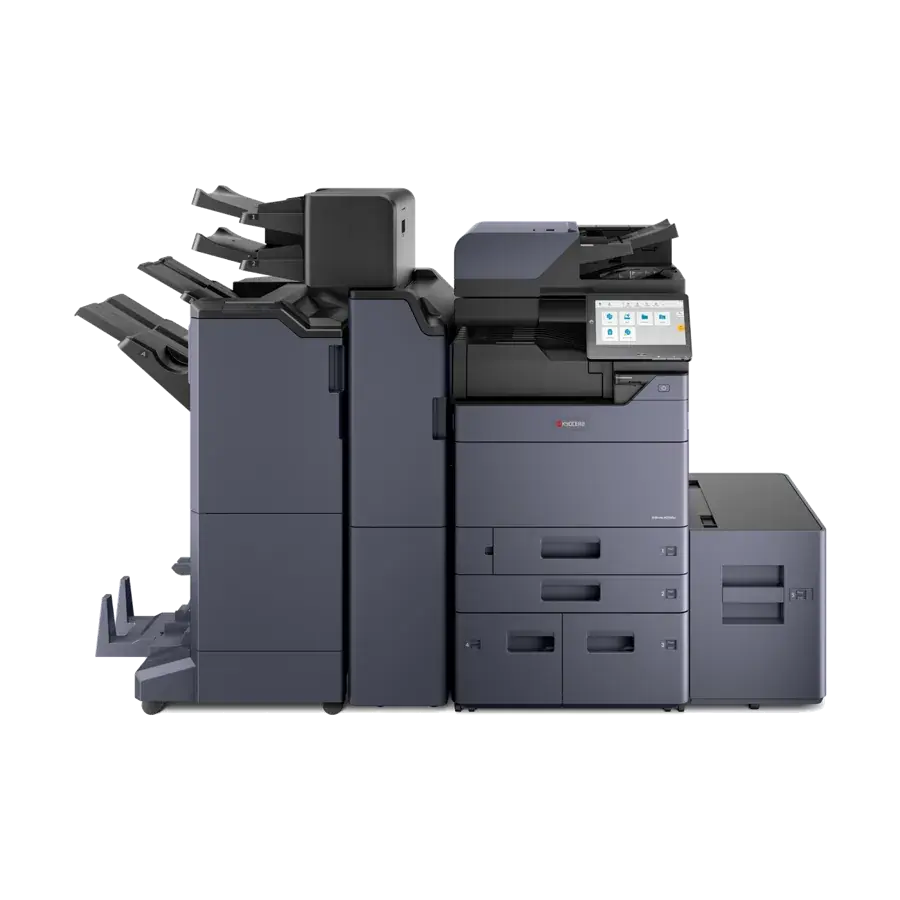
One fleet
Every machine that prints, in one plan
The copier in the hallway is rarely the only machine that prints. Managed print brings the rest into the same plan.
- One number to call for every machine in the plan
- Machines we didn't sell are welcome, and replaced as their leases end
- Several offices run as one fleet, with one point of contact
Print security
Protected from the first print to the last day
What keeps your documents and data safe across the fleet, from the moment someone prints to the day a machine leaves.
Jobs wait until the right person logs in at the copier, so documents don't sit in the tray.
Storage encryption, data overwrite and user sign-in, set up to the manufacturer's guidance when your IT team asks.
When a machine leaves your office, we erase its stored data first.
Microsoft Entra ID and Google Workspace sign-in. SAFEQ Cloud holds SOC 2 Type 1 and Type 2 reports.
They completed the training of our staff and the installation of over 20 copiers … at our headquarters and five satellite offices in a very professional and thorough manner.
Start here
A free fleet review
Every managed print plan starts here, and you keep the written plan whether or not you go ahead.
Book a fleet review- On-site walkthrough
A rep looks at every machine and where people actually print.
- Volume analysis
Meters or current bills show what each machine prints, in color and black and white.
- Lease and contract review
Every lease and service contract listed with its end date, so nothing renews by surprise.
- Written recommendation
What to keep, replace or remove, with the monthly cost. No charge.
Questions
Managed print questions we hear most
What is managed print?
Managed print means one company looks after your whole print fleet: choosing the machines, installing them, monitoring them, keeping them supplied, repairing them and planning their replacement. With NYBS that is one team and one service desk for every machine in the plan.
Do you manage machines you didn't sell?
Yes. NYBS services Konica Minolta, Canon and Kyocera machines we didn't sell, so you can bring an existing fleet into one plan and replace machines as their leases end.
Is toner shipped automatically?
Automatic toner shipments are rolling out now for machines connected to Konica Minolta vCare or Kyocera Fleet Services. Other machines order toner through our customer portal, and our supplies team ships it.
What happens when a machine goes down?
Your request goes straight to our service desk, and an NYBS technician is dispatched from Garden City Park or our Manhattan office. If the repair has to wait on a part that will take a while, we can bring a loaner.
How is managed print billed?
Service is billed from your meter reads, which connected machines send on their own. Your lease, service and per-page costs are written out plainly in your agreement, with renewal dates flagged early.
We have several offices. Can you manage them as one fleet?
Yes. One plan, one service desk and one point of contact can cover every location. Technicians are dispatched from Garden City Park and our Manhattan office across New York City, Long Island, Westchester and northern New Jersey, and PaperCut or SAFEQ gives every site the same badge release and one set of reports.
How do we get started?
Book a free fleet review. A rep walks through your offices, reads your volumes, reviews your leases and contracts, and gives you a written plan with the monthly cost. We usually reply the same business day.
Book a free fleet review
Tell us how many offices and machines you have, and a rep will set up the walkthrough. Or call (516) 739-0200